Case study
DBS
Hybrid-office operations platform

Overview
DBS is a hybrid-office operations platform for booking desks, tracking attendance, managing team spaces, and coordinating day-to-day office activity across multiple locations.
As flexible work became the norm, the existing experience needed to better support HR administration, team planning, and individual preferences at scale. The redesign brought office-specific rules, real-time administration tools, and personalised dashboards into one clearer system.
The challenge
Flexible work introduced several usability and operational challenges. Booking rules differed by office, administration teams had limited visibility into attendance, and manual reporting made it difficult to respond quickly to changes across locations.
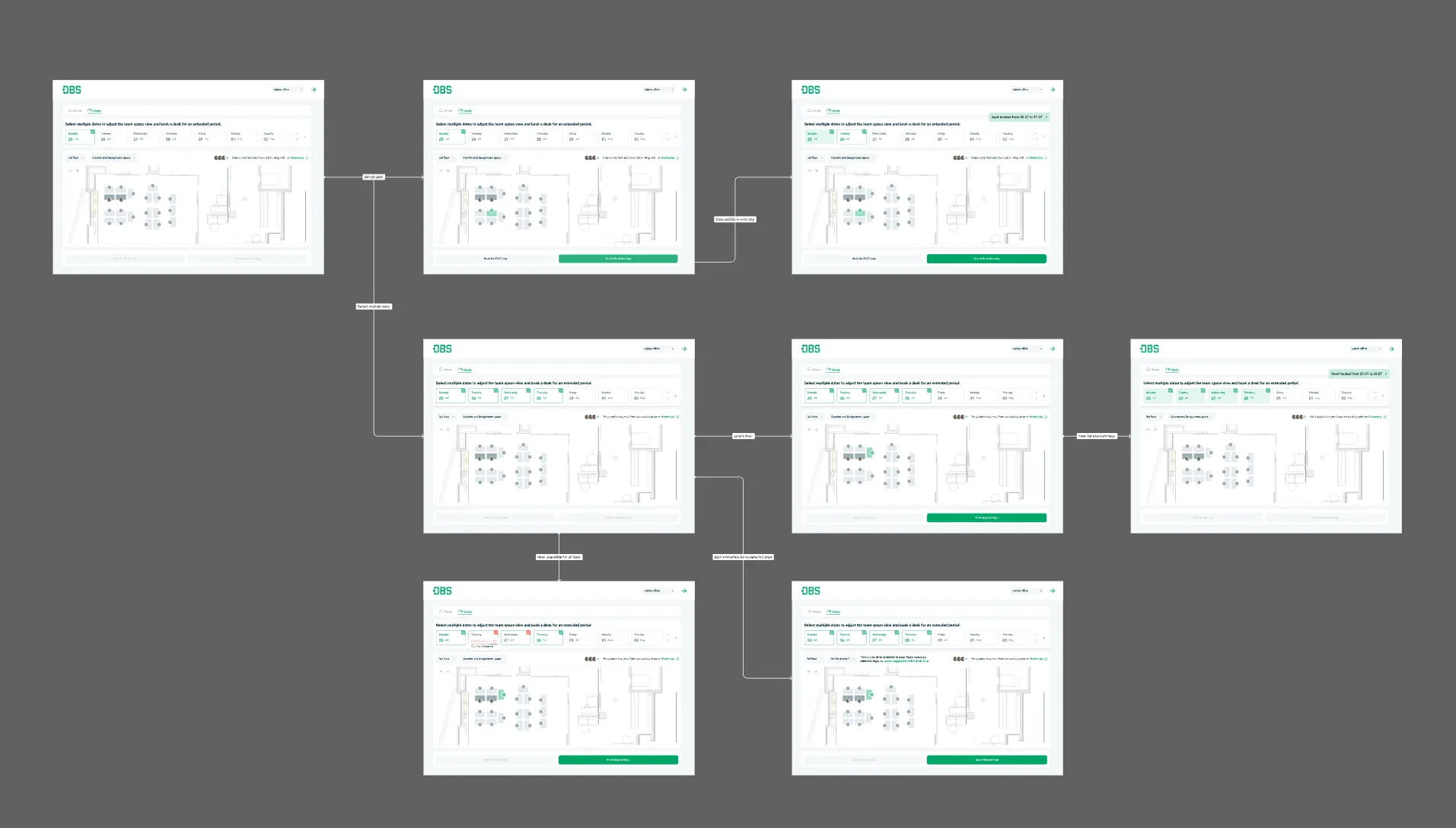
- Desk booking logic: Booking needed to reflect each office’s rules, including half-day options and seven-day booking windows.
- Lunch shifts: HR teams needed to set location-specific shift limits.
- Attendance visibility: Office administrators needed a live view of check-ins, absences, and missed check-outs.
- Team planning: Teams needed clearer views of their structure, shared spaces, and desk activity.
- Event management: Administrators needed to create location-specific holidays and events that were visible to employees.
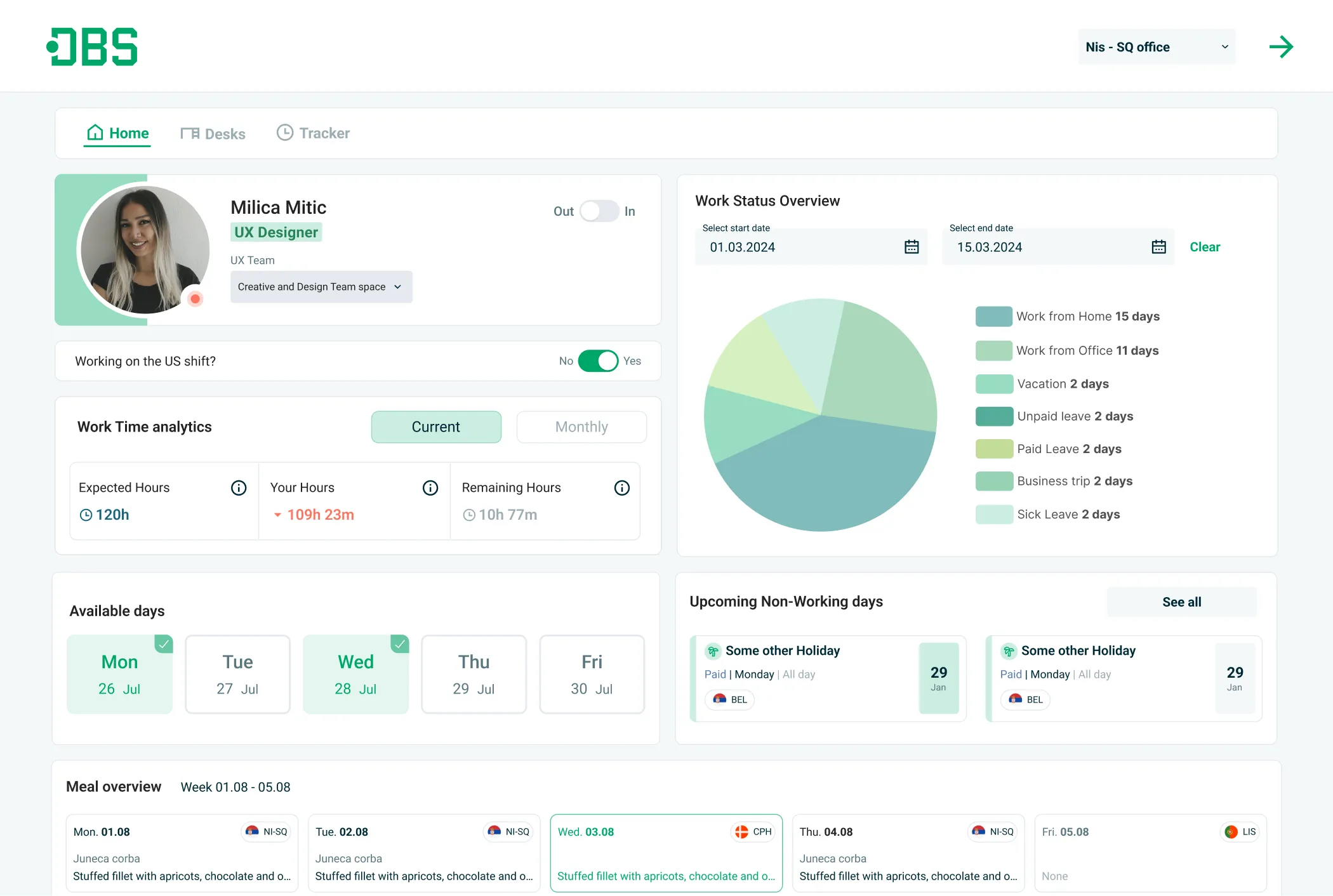
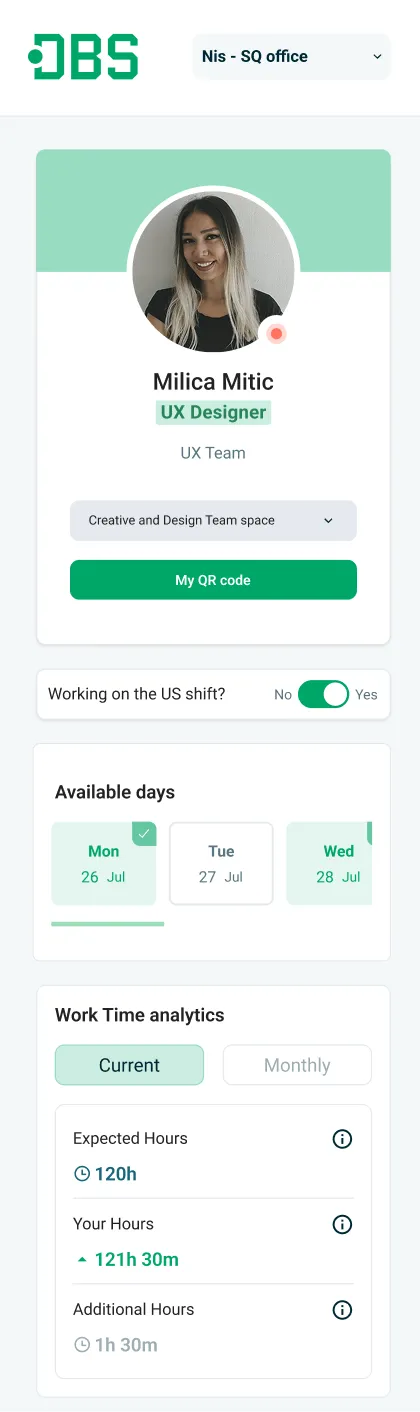
- Personalisation: Different roles needed relevant tools and information as soon as they signed in.
The approach
I spoke with employees, HR, office administrators, and team leads to understand how the system was used day to day. Their feedback showed that administrators lacked a reliable picture of attendance and check-in activity, reporting was largely manual, and teams could not easily understand how shared spaces were being used.
The resulting work made the core workflows more specific to each office while keeping the wider system easier to monitor and manage:
- Tailored booking behaviour to location-specific rules, including half-day availability and advance booking periods.
- Added configurable lunch-shift limits for office administrators.
- Designed real-time attendance views for check-ins, absences, and missed check-outs.
- Created team-space views that make structures, shared areas, and desk usage easier to understand.
- Enabled location-specific event and holiday management with clear employee-facing visibility.
- Built role-based homepages so each user can reach the most relevant information first.
Employee administration
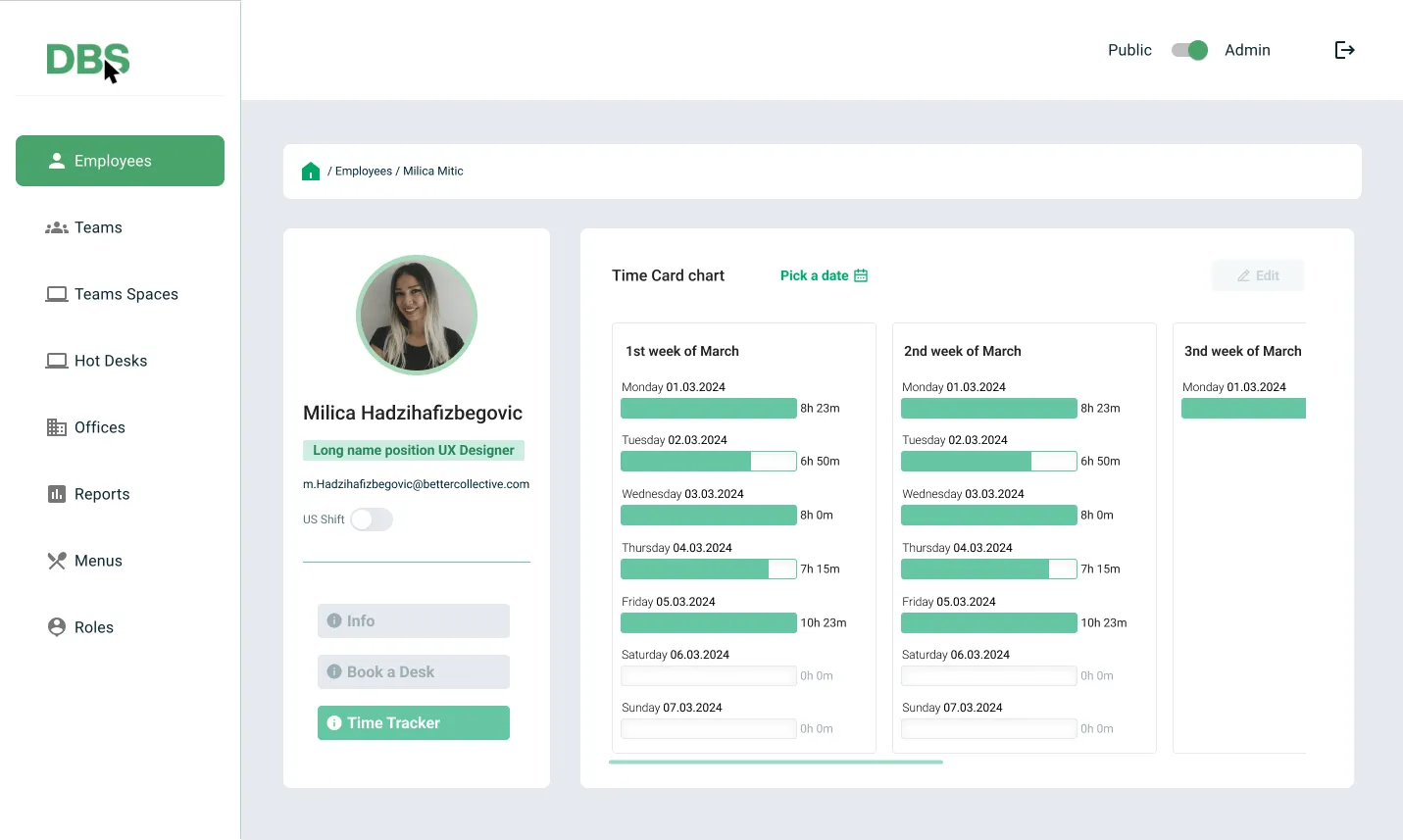
Individual employee profiles combine work activities, desk bookings, check-in status, and absence information in one administrative view.
Operations oversight
The administration dashboard brings together daily absence requests, attendance figures, scheduled events, and employee statuses to support quicker operational decisions.
Team and shared-space management
Team views connect office locations, team spaces, membership, and parent and child teams so administrators can manage shared workspaces with more context.
Impact
Early feedback and testing showed that automating the new workflows reduced manual work and administration costs by more than $20,000 per year.
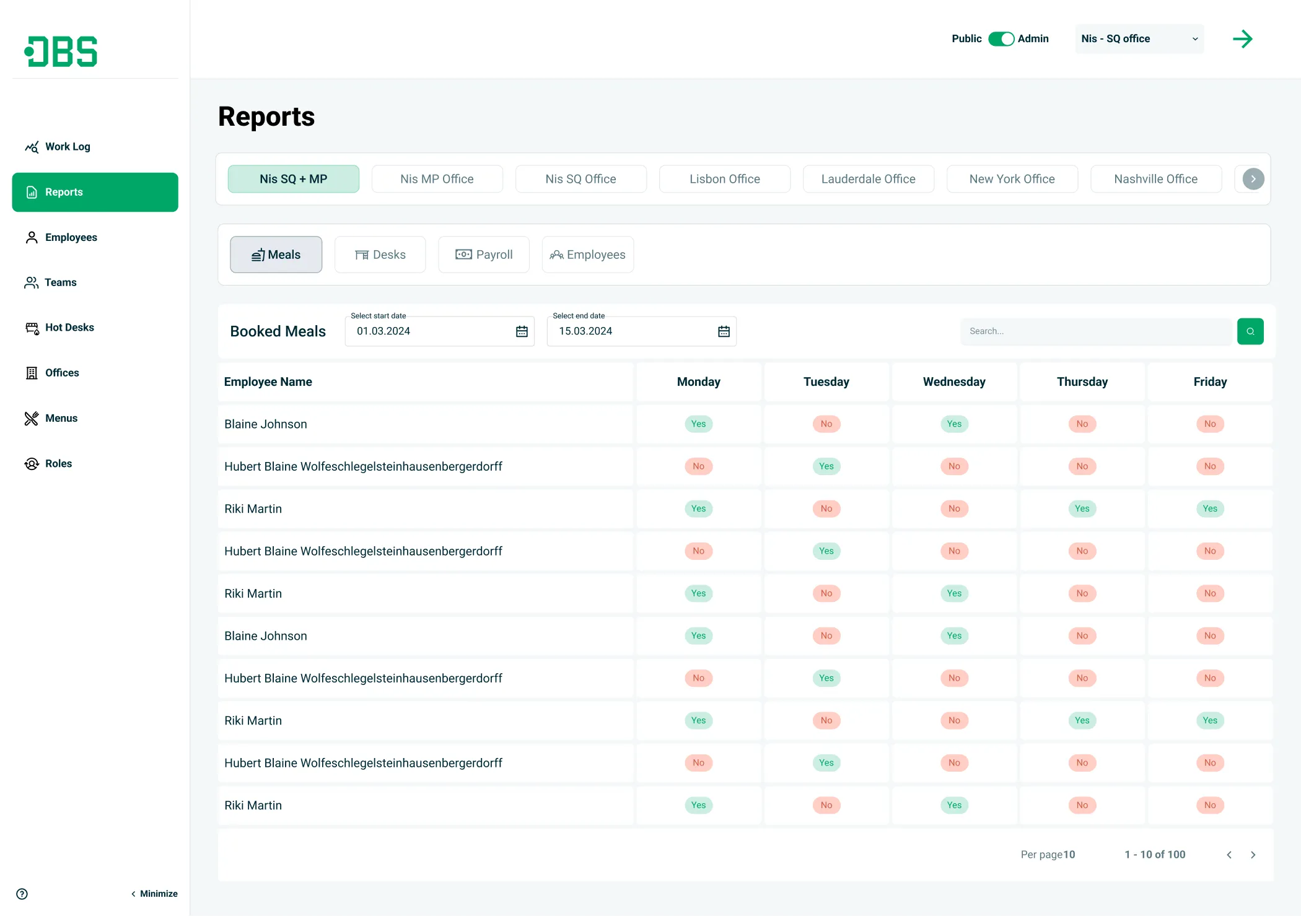
- Cross-location reports give teams a clearer view of performance, helping them spot trends and respond to issues sooner.
- Team-space and hot-desk overviews make it easier to plan, build, and reassign workspaces around actual needs.
- Role-based dashboards give employees and administrators a more direct route to the information they use most.
Next steps
- Launch guided setup for team spaces and hot-desk areas.
- Add desk-utilisation analytics for administrators.
- Conduct further user interviews to refine the role-based dashboards.
- Extend the system with parking booking.